We use cookies to make this site work. We'd also like to set optional cookies so we can understand how the site is used and improve it. We will not set optional cookies unless you accept them. You can change your choice at any time from the Cookie settings link in the footer.
Strictly necessary cookies
These cookies are required for the site to work. They store your cookie preferences and keep your session secure. They are exempt from consent under PECR Regulation 6(4) because they are essential to deliver the service you have requested.
Optional cookies
Optional cookies help us understand how the site is used and provide additional features such as analytics, accessibility tools and translation. We will only set them if you accept.

Clinical Photographs
A guide for patients taking clinical photographs using a mobile device like a smartphone or tablet
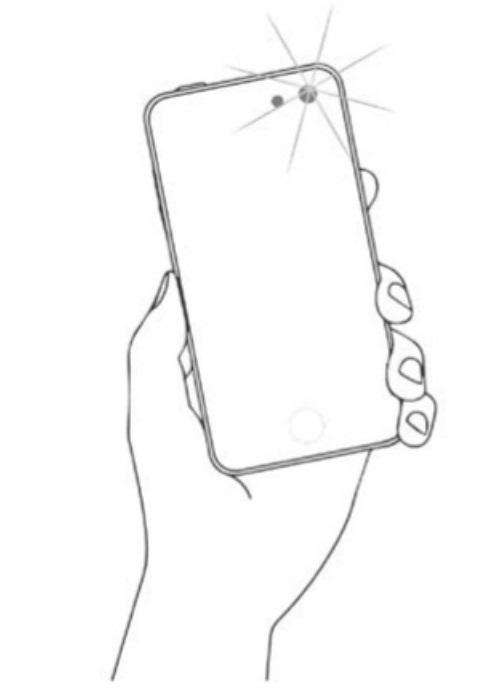
1. Make sure the lens is clean and use the front camera as they are better quality than those that look at your face.
2. Try not to have any distractions in the background, e.g. use a plain wall as a background.
3. Try not to face a window or light when taking the photograph.
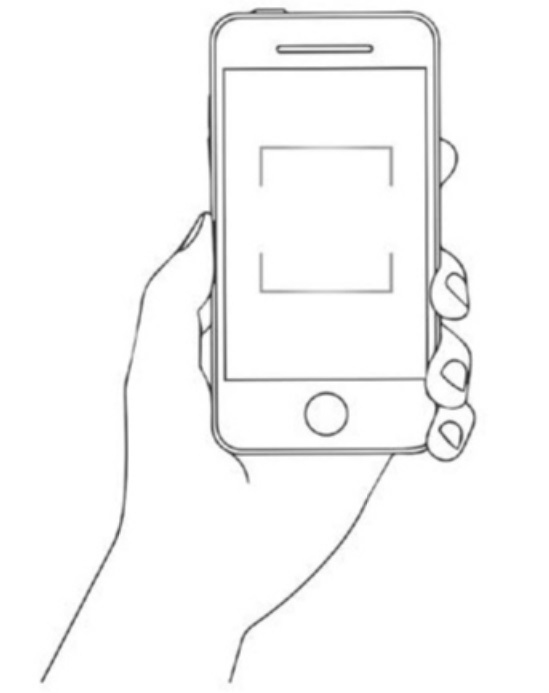
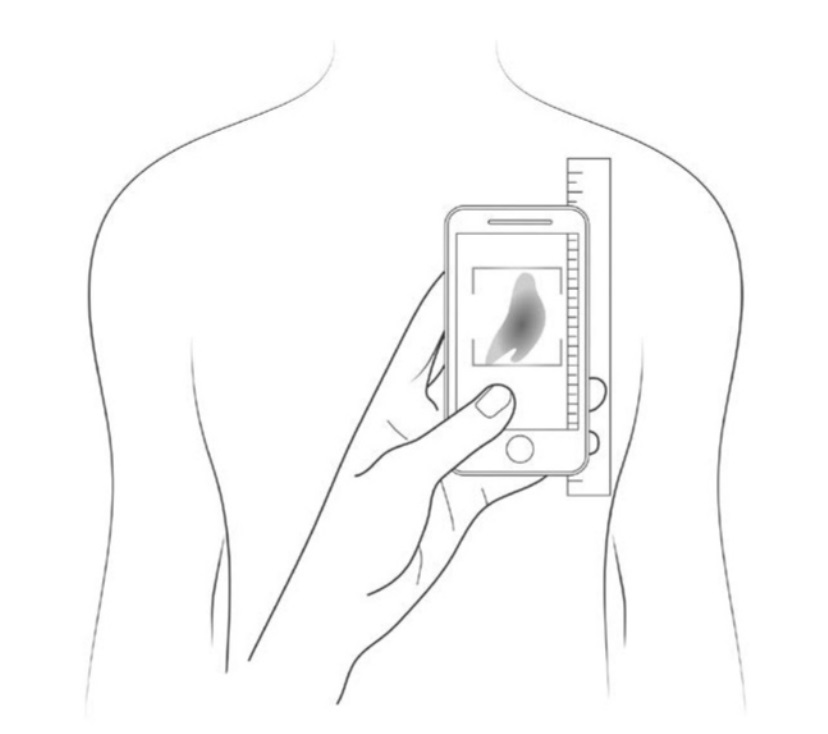
4. Put the area of interest in the middle of the frame
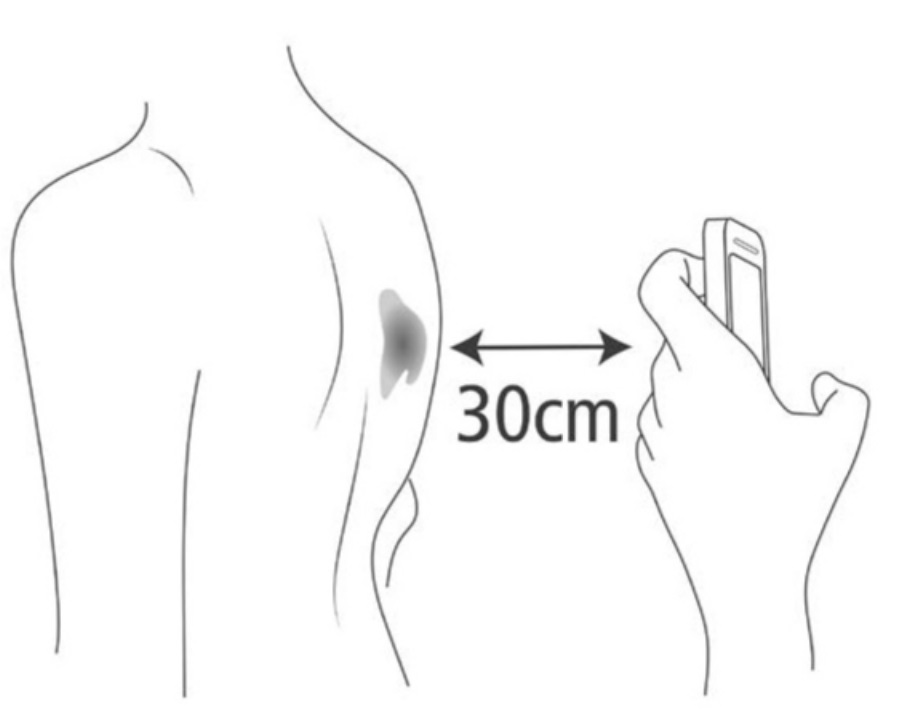
5. Don’t position the mobile device too close to the lesion / area that is being photographed, it can create distortion, about 30cm’s away should be about right.
6. Don’t zoom in too close this can degrade the image, the person viewing the image can enlarge the area on the screen if they need to see more detail, so long as it is not too small.
7. Make sure the focus is on the lesion / area of interest.
- A blurred photograph is of little or no clinical value.
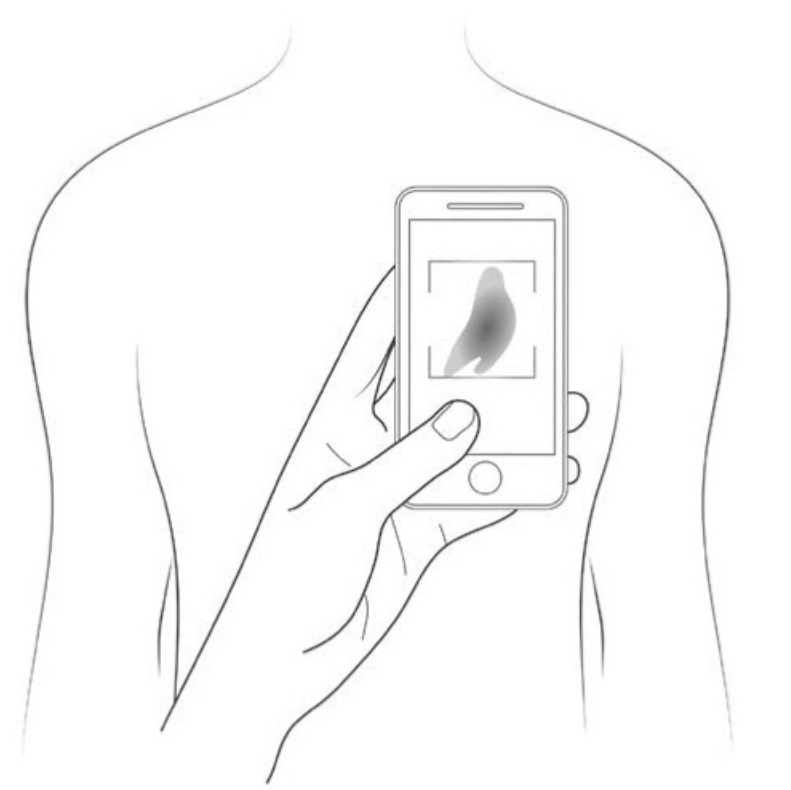
8. Position the mobile device to try and take the photograph the right way up.
9. It is ideal to hold the mobile device directly in line with the area of interest.
10. Place an item such as a coin or ruler near the lesion to give an idea of scale.
- Make sure the final photograph is a true likeness of the area that is being photographed.
- When sending the photograph, try to size it to be about 1MB.
11. Take a few images, with and without flash. Remember to hold the mobile device very still.
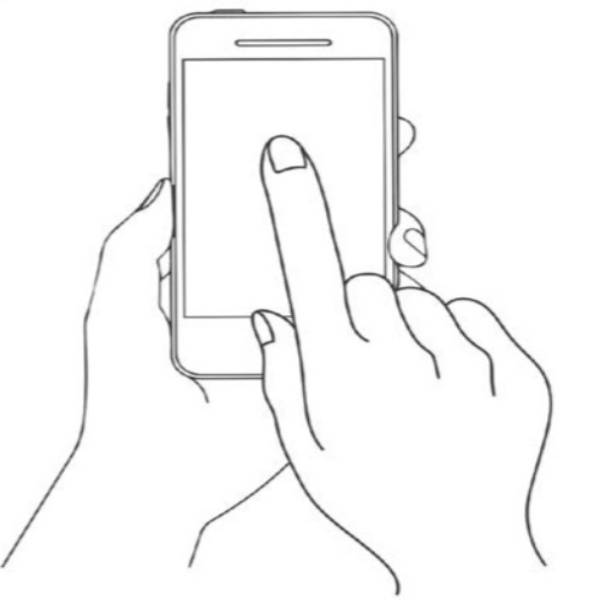
12. If you are still struggling to focus or the image is too bright, tap the screen over the area of interest and these issues should be corrected.